
You may have noticed that I keep talking about eDiscovery consulting and legal search in the cloud. I’ve covered searching the Supreme Court with new technologies in analytics and the cloud, making certain types of emails searchable on Amazon’s cloud, and even eDiscovery and the cloud at a high level. While these posts are all great teasers, you might be asking yourself, “What would it actually look like in practice?”
I’d like to address that concern today by presenting a real-world case study on making Outlook PST mail and attachments discoverable. The software and process I will describe are fully implemented and tested. Nothing in this post is vaporware, and the entire process is scalable from a single mailbox up to an entire business. I’ll skip the usual disclaimers about privilege and process, and instead cut right to the point – what does the technology look like?
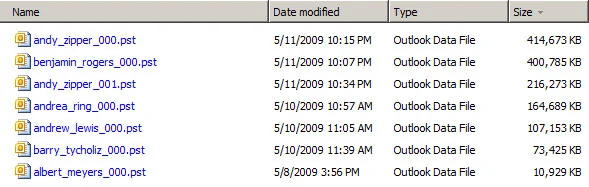
In this example, I’ll be using 7 Outlook PST files shown below from the Enron email dataset. These mailboxes total 1.3GB and contain email text as well attachments in a variety of formats like PDF and Office. As such, they are a typical cross-section of corporate email.
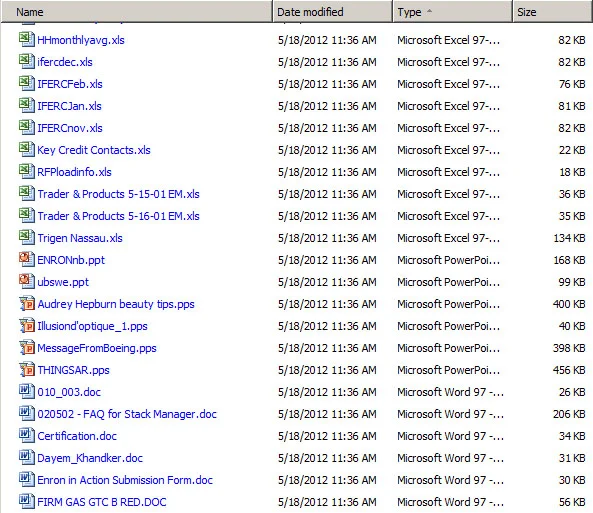
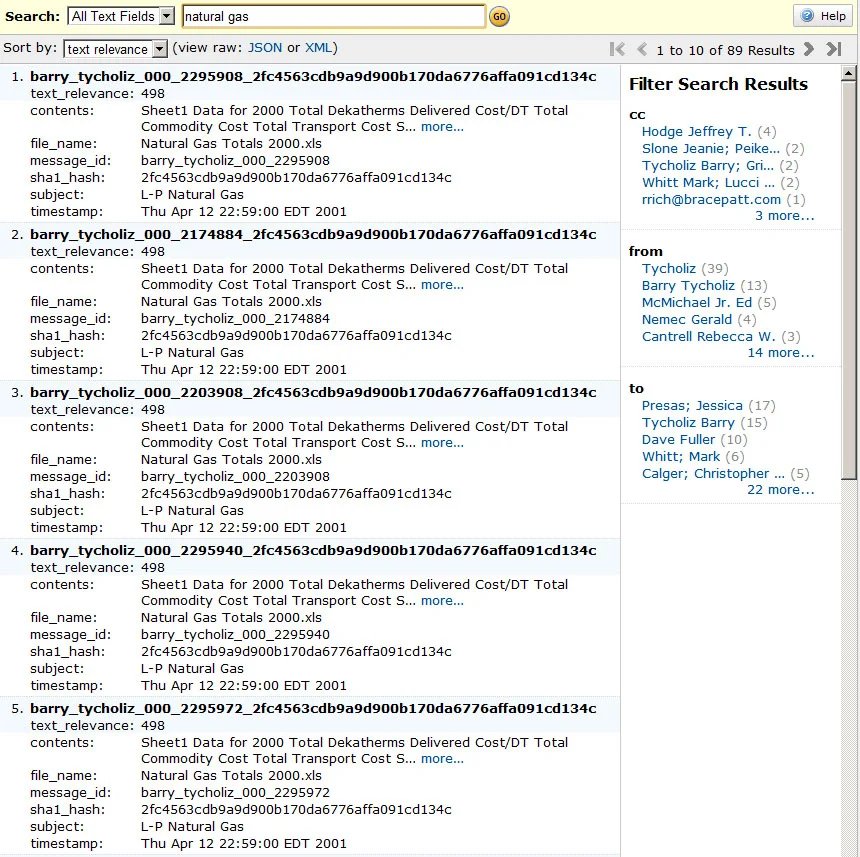
In order to convert this folder to a searchable database, we need to follow the following process: Examine each file in the folder and determine whether we understand the format. In this case, all 7 files are PST files, which we can process. For each of these mailboxes, we then build a list of all emails, storing information about who sent the message, who it was to, what they said, etc. For each email, we also identify any attachments. If we understand the attachment format, we also extract and store the textual content of the attachment and associate it with the related email conversation. Supported textual formats include MS Office 97–2010 Documents from Word, Excel, PowerPoint, etc.; Adobe PDF; OpenOffice Documents; Web pages; and plain or rich-text documents. Regardless of whether we can extract text from an attachment, we save the file to a folder on our computer where we can later examine it. We transmit all of this data to AWS CloudSearch, which handles indexing the textual content, as well as facets like from and to addresses. Once CloudSearch finishes building the index, we are ready to search!
We have taken those 7 Outlook mailboxes and converted them into: a search interface for all textual email and attachment content, and a folder of attachment files embedded in all emails, such as images, audio, videos, or other non-textual content.
In total, the total data set is processed on a laptop in under an hour, and search results and interfaces are available over the web almost immediately thereafter. If you’re interested in pricing or have any other questions, don’t hesitate to reach out.